


Interactive 3D Learning with AR
Overview
JigSpace is a desktop application designed to transform how users engage with 3D educational content. Built for learners and educators alike, it provides access to hundreds of interactive 3D models across diverse subjects, from human anatomy to mechanical engineering. The software enables visual learners to explore complex structures in a dynamic, hands-on environment, bridging the gap between theoretical knowledge and real-world understanding. With augmented reality integration, users can place and manipulate 3D models in physical space, turning any room into an interactive classroom or lab.
Targeted at students, teachers, and lifelong learners, JigSpace supports self-paced, immersive learning experiences. Its intuitive design allows users to rotate, zoom, and dissect models with ease, making abstract concepts tangible. The application is developed by JigSpace Inc., a company focused on educational innovation through interactive technology. Real-world use cases include remote learning, classroom demonstrations, and professional training in technical fields.
The developer did not provide additional system requirements. Platform compatibility information is limited to Windows and Mac, with a 128 MB installation size. Exact performance details were not specified.
Key Features & Capabilities
- Interactive 3D Models – Access hundreds of fully rendered 3D objects across multiple disciplines, allowing users to explore internal structures and mechanical functions through intuitive manipulation.
- Augmented Reality Integration – Place 3D models in real-world environments using AR, enabling users to interact with virtual objects as if they were physically present.
- Visual Learning Focus – Designed specifically for visual learners, offering a dynamic alternative to static textbooks and videos.
- Real-Time Manipulation – Rotate, scale, and dissect models in real time, promoting deeper understanding through hands-on interaction.
- Multi-Subject Coverage – Includes models in anatomy, engineering, biology, and more, supporting interdisciplinary learning.
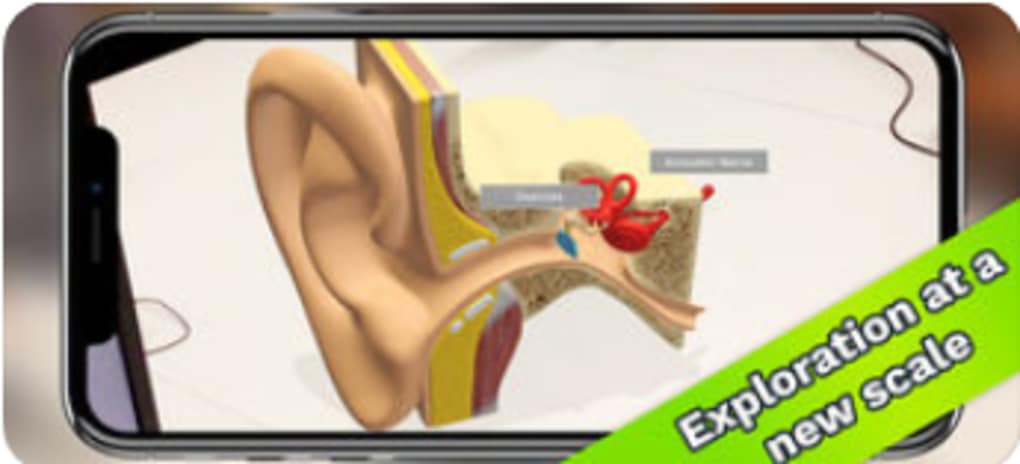
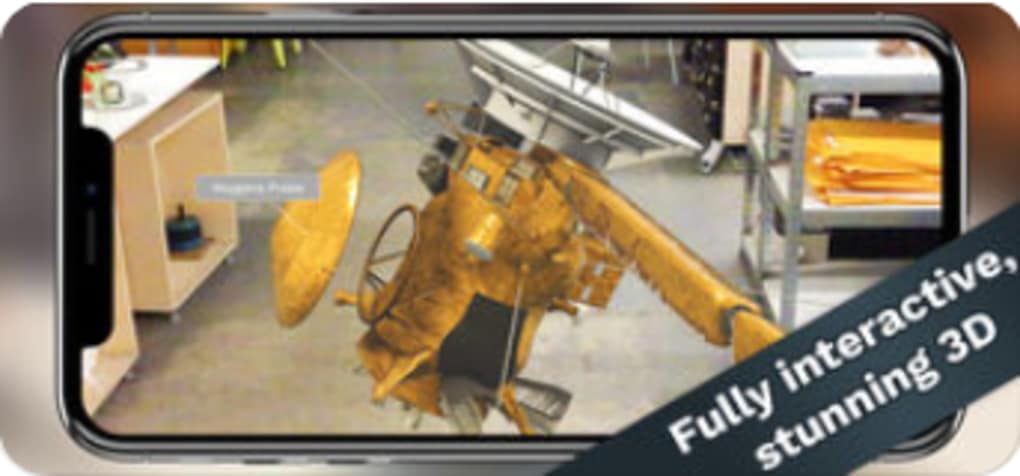
These features allow users to study complex systems by interacting with them directly. For example, a medical student can examine a 3D heart model from all angles, isolate specific chambers, and observe how blood flows through the valves. A high school physics class could visualize a working engine, disassembling it step by step to understand mechanical principles. The software’s AR functionality extends this experience into physical space, making learning more immersive and memorable.
User Interface, Workflow & Performance
The user interface is structured to prioritize accessibility and ease of navigation. Main controls are positioned for quick access, allowing users to load models, adjust viewing angles, and activate AR with minimal effort. The workflow is linear and intuitive: select a model, view it in 3D, and engage with its interactive components. This streamlined process supports efficient learning without requiring technical expertise.
Navigation is consistent across all models, reducing the learning curve for new users. The application supports real-time manipulation, suggesting responsive performance under normal usage conditions. However, the developer did not specify resource usage details, and performance observations are based on general software behavior patterns. Stability appears reliable, though no user-reported crash data was provided.
Users can expect smooth interaction with standard 3D rendering tasks, but intensive model loading or AR usage may depend on device capabilities. CPU and RAM behavior were not disclosed. The application is designed to function without constant internet access, though model downloads may require connectivity.
Compatibility & System Requirements
JigSpace is compatible with both Windows and Mac operating systems. The software version is 1.2.5, with a file size of 128 MB, indicating a lightweight installation. This compact footprint suggests efficient resource management and fast setup times.
Exact system requirements were not listed. The developer did not specify minimum CPU, RAM, or GPU specifications. Compatibility with older or lower-end devices remains unclear. Users are advised to ensure their system meets general desktop application standards for 3D rendering and AR functionality. No information was provided about hardware acceleration or graphics card support.
Pros and Cons
Pros
- Free to download and use, making advanced 3D learning accessible to all.
- Interactive 3D models enhance comprehension for visual learners.
- Augmented reality brings abstract concepts into physical space.
- Compact installation size of 128 MB reduces storage demands.
- Supports a wide range of educational topics from anatomy to engineering.
Cons
- System requirements were not clearly defined.
- Performance under heavy model usage is not documented.
- No information on update frequency or version history.
- AR functionality may require compatible hardware not available on all devices.
- Limited details on offline usage capabilities.
FAQ Section
Is JigSpace available for Windows and Mac?
Yes, JigSpace is compatible with both Windows and Mac operating systems.
Is the software free to use?
Yes, JigSpace is currently available at no cost to users.
Does JigSpace require an internet connection?
While the application can be used offline after initial model downloads, access to new content or updates may require an internet connection.
Can I use JigSpace without AR support?
Yes, the core 3D viewing and manipulation features are fully functional without augmented reality.
How often are updates released?
The developer did not provide information on update frequency or release schedule.
Final Thoughts + CTA
JigSpace delivers a compelling blend of educational value and technological innovation. Its focus on interactive 3D learning with AR makes it a standout tool for students, educators, and professionals seeking immersive, visual learning experiences. The free pricing model increases accessibility, while the compact size ensures quick installation on most systems.
Although system requirements and performance details are limited, the software’s core functionality is clear and well-executed. It is especially beneficial for visual learners and STEM educators aiming to enrich their teaching methods. For those exploring modern learning tools, JigSpace represents a significant step forward in digital education.
Download JigSpace now







